



Feature
An employee transport app for rosters, trips and support
Employees can manage trips, track their vehicle, verify boarding and get support from the same app.
Everything for the daily commute.
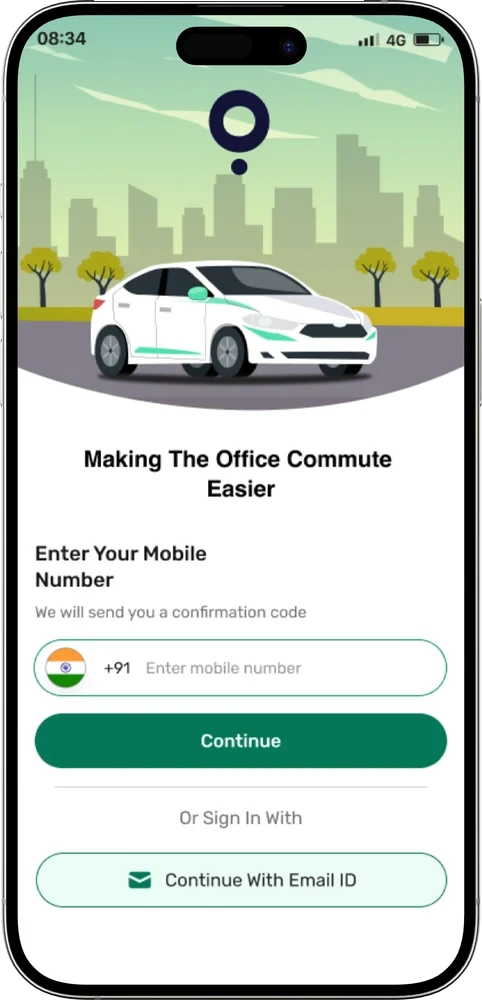
Employees sign in with a mobile number and OTP, or with an email ID. From there they add rosters for the days they travel, see the trips assigned to them, and follow the vehicle when it is time to leave.
The same app holds the boarding OTP and QR code, past trips as reports, a profile, feedback, and a help and support section where employees can raise a ticket and chat with the support team.
What employees can do in the app
Plan
Add rosters for the days you travel.
Track
Follow the trip and see where the vehicle is.
Verify if enabled
Show an OTP or QR code to confirm boarding and drop-off.
Reports
Look back at past trips and save them as a PDF.
Help and support
Raise a ticket, chat with the support team on it, and see it closed when resolved.
Profile and feedback
Keep your profile in the app and send feedback.
Getting started
- 1Download the app. ShuttleMate is available on the App Store and Google Play.
- 2Sign in. Use a mobile number and OTP, or an email ID.
- 3Add a roster. Pick the days and add a login roster, a logout roster, or both.
- 4Receive your trip. Assigned trips show up in the app.
- 5Travel. Check the route, call the driver, watch the vehicle and verify boarding.
Common questions
How do employees sign in?
With a mobile number and OTP, or with an email ID.
Can employees get help inside the app?
Yes. They can raise a ticket, chat with the support team on it, and see it marked as completed when it is resolved. Resolved tickets stay in history.
Is the app on both iPhone and Android?
Yes. ShuttleMate is on the App Store and on Google Play.
Contact
Make every employee journey easier to manage.
Tell us about your transport operation and we will walk you through ShuttleMate.